
Hiring teams in high-volume industries rarely lose time on the big decisions. They lose it in the gaps between them: reading resumes that never fit, sending the same reminder text for the tenth time, and digging through inboxes to find out where a candidate stopped responding. Candidate management software exists to close those gaps. The right platform takes over the repetitive steps of screening, communication and scheduling, so recruiters spend their day talking to qualified people instead of sorting them. This guide breaks down the seven features that recover the most time, and what to look for when comparing options. As hiring automation becomes standard for home care agencies, delivery service providers and other high-turnover employers, these features are quickly moving from nice-to-have to expected.
What Is Candidate Management Software and How Does It Save Time?
Candidate management software is a system that captures applicants, screens them against job requirements, automates communication and tracks every candidate through the hiring pipeline. It saves recruiters time by replacing manual tasks, such as resume sorting, follow-up messages and interview scheduling, with automated workflows that run around the clock.
Think of it as the operating layer of the hiring process. A basic applicant tracking system stores applications. A candidate management system goes further by acting on them: sending messages, qualifying people, booking interviews and reporting on what is working.
Where Do Recruiters Actually Lose Their Hours?
Before comparing features, it helps to know where the time goes. A 2025 Totaljobs survey of UK recruiters found that 72% say screening large numbers of irrelevant applications slows hiring down, and that recruiters spend more than two working days per vacancy on manual tasks. The same research put resume filtering alone at 3.6 hours per role.
Scheduling is the other major drain. In Yello's recruiter survey, 60% of recruiters said they regularly lose candidates before they can schedule an interview. For hourly roles, where applicants often apply to several employers at once, a slow reply can mean a lost hire.
Those two bottlenecks, screening and scheduling, are exactly where the features below do their heaviest lifting.
7 Candidate Management Software Features That Save Recruiters Hours
1. Self-Qualification Forms That Screen Applicants Automatically
The fastest resume review is the one a recruiter never has to do. Self-qualification forms ask applicants a short set of knockout questions before they enter the pipeline, such as whether they hold a valid driver's license, can work weekends or meet minimum age requirements. Good candidate screening software then routes qualified applicants forward and flags or politely declines the rest, while keeping a record of why each person did not qualify. This answers one of the most common questions hiring managers search for: yes, recruiting software can filter unqualified applicants automatically, as long as the criteria are clear and fair.
2. Automated SMS and Email Follow-Up
Hourly applicants expect a fast response. Automated outreach sends a text or email within moments of an application, confirms next steps and nudges people who go quiet. Instead of a recruiter writing the same message fifty times a week, a sequence handles first contact, follow-ups and status updates. Some platforms add ringless voicemail, which drops a recorded message into a candidate's voicemail without ringing the phone, giving recruiters a third channel without extra calls.
3. Self-Scheduling With Automated Interview Reminders
Interview scheduling is where back-and-forth messages pile up. Self-scheduling lets qualified candidates book an interview slot themselves from a link. Automated reminders then confirm the booking and follow up the day before and the day of the interview. This removes the scheduling ping-pong entirely and reduces no-shows, which is often the hidden cost behind a slow time-to-hire.
4. Visual Pipelines for Managing Candidates at a Glance
Spreadsheets break down once a team is hiring for several roles in several locations. Visual drag-and-drop pipelines show every candidate's stage, from new applicant to screened, interviewed, offered and hired. Recruiters can see bottlenecks immediately, such as a pile of candidates stuck waiting for interviews, and move people forward without updating multiple files. For teams searching for managing candidates software, this view is usually the feature that delivers the quickest win.
5. A Unified Candidate History
Every text, email, call, form response and note should live in one timeline per candidate. A unified history means a recruiter covering for a colleague can pick up a conversation without asking what happened last. It also keeps candidate documents and screening answers in one place, which matters for compliance-heavy roles and for any team where several people touch the same applicant.
6. Remarketing That Keeps a Talent Pool Warm
Many strong applicants are not hired the first time, simply because the timing was wrong. Remarketing tools re-engage past applicants by text, email or ads when new openings appear. For employers asking how to manage a talent pool without extra headcount, this is the answer: tag and segment past candidates, then let automated campaigns bring qualified people back into the pipeline before spending money on fresh job ads.
7. Source Tracking and Hiring KPI Dashboards
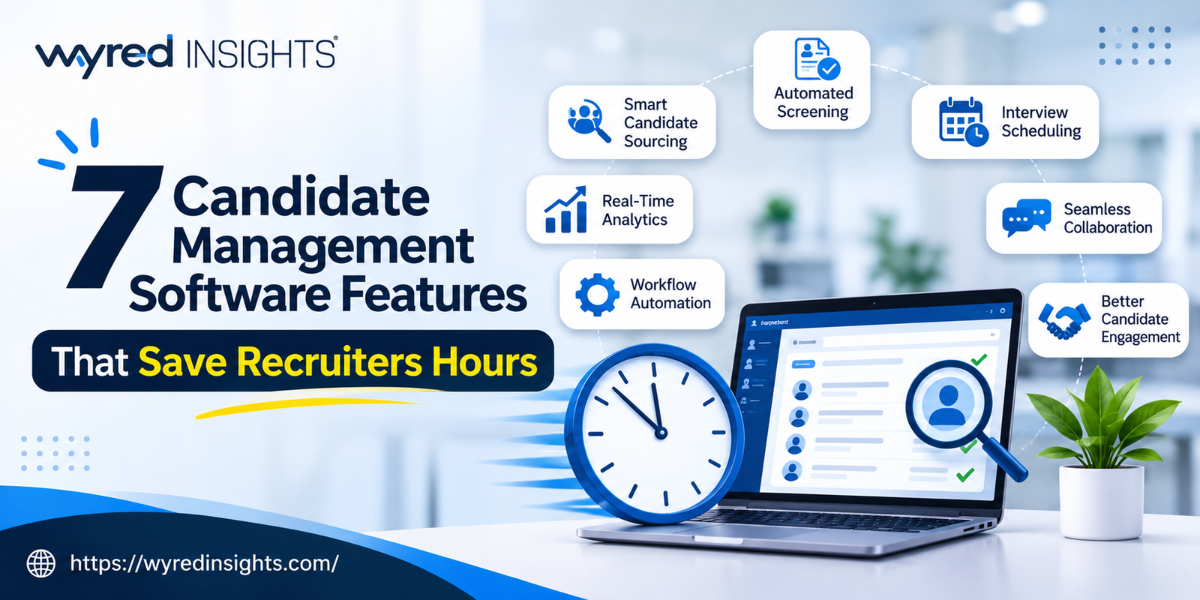
Recruiters cannot improve what they cannot measure. Source tracking shows which job boards, ads or campaigns produce applicants who actually get hired. A KPI dashboard then reports metrics such as landing page conversion rate, interview show rate and cost per hire by channel. This turns hiring from guesswork into a managed process and helps teams stop paying for channels that bring volume but not hires.
Which Manual Tasks Does Each Feature Replace?
| Feature | Manual Task It Replaces | Where Recruiters Get Time Back |
|---|---|---|
| Self-qualification forms | Reading every resume to check basic requirements | Only qualified applicants reach the recruiter |
| Automated SMS and email | Writing first-contact and follow-up messages by hand | Instant replies without recruiter effort |
| Self-scheduling and reminders | Back-and-forth messages to book and confirm interviews | Fewer scheduling emails and fewer no-shows |
| Visual pipelines | Updating spreadsheets to track candidate status | One view of every stage and bottleneck |
| Unified candidate history | Searching inboxes and notes for past conversations | Faster handoffs between team members |
| Talent pool remarketing | Sourcing new applicants for every opening | Past qualified candidates return to the pipeline |
| Source tracking and KPI dashboards | Compiling hiring reports by hand | Live cost per hire and show rates by channel |
How to Evaluate Candidate Management Solutions Before Buying
Not every platform includes all seven features, and some bundle them in ways that do not fit high-volume hiring. When comparing candidate management solutions, hiring teams can ask a few practical questions. Does the platform screen applicants before they reach a recruiter, or only store them? Can it text candidates, not just email them? Are interview reminders automatic, and can candidates book their own slots? Does reporting show cost per hire by source, or only applicant counts? Can the same system support other pipelines, such as client or sales prospecting, if the business needs one later?
A demo should show these workflows running end to end. If a vendor cannot show a qualified applicant moving from first application to a booked interview without manual steps, the platform will not save the hours it promises.
How Wyred Insights Applies These Features in Digital Recruiter
Wyred Insights builds these workflows into Digital Recruiter, its recruitment management program that combines consulting, strategy and automation. Applicants first complete a Qualifying Landing Page that confirms they can work for the employer. Qualified applicants receive a congratulatory email, ineligible applicants are notified, and every record is saved with notes on why anyone was disqualified. Qualified candidates are then encouraged to call the office on a campaign-specific tracking number, so each call can be traced back to its source. Automated reminders confirm interviews and follow up the day before and the day of the appointment. For employers who want candidate management software backed by an in-house team, results are reported through a password-protected, real-time dashboard. The program is most used by home care agencies and delivery service providers.
Why Hiring Results Also Depend on Marketing Strategy
Software speeds up what happens after someone applies, but it cannot fix a weak flow of applicants. Recruiting behaves like a marketing funnel: channel choice, ad budgets and landing page conversion all shape who enters the pipeline. That is why some employers pair recruiting technology with marketing strategy consulting that covers channel selection, budget allocation and performance tracking across both hiring and client acquisition.
For businesses that recruit and sell at the same time, the same data that tracks cost per hire can track cost per client. Revenue growth consulting uses that view to connect lead channels and campaigns to closed business, helping owners decide where each marketing dollar does the most work.
FAQs
Can recruiting software filter unqualified applicants automatically?
Yes. Candidate screening software uses knockout questions, such as license status, availability or work eligibility, to route qualified applicants forward and flag those who miss requirements.
What is the difference between a candidate management system and an ATS?
An ATS mainly tracks applications for open roles. A candidate management system also automates communication, screens applicants and keeps past candidates engaged for future hiring needs.
How does candidate management software help manage a talent pool?
It stores past applicants with tags, notes and status, so recruiters can search, segment and re-engage qualified people by text or email when new roles open.
Is there hiring software that responds to hourly applicants instantly?
Yes. Hiring automation tools can send a text or email the moment an application arrives, keeping hourly applicants engaged before they accept another employer's job offer.
Why do hiring teams need marketing strategy consulting?
Recruiting works like a marketing funnel. Strategy consulting helps teams choose job channels, set ad budgets and track cost per hire, so spending attracts applicants who convert.
Conclusion
The hours recruiters lose each week rarely come from one big problem. They come from dozens of small, repeated tasks: sorting unqualified resumes, chasing replies and rebooking missed interviews. Candidate management software takes those tasks off the desk through automated screening, instant follow-up, self-scheduling, visual pipelines, unified histories, talent pool remarketing and clear hiring dashboards. Teams that choose a platform built around these seven features spend less time on admin and more time on the conversations that lead to good hires.
Spend Less Time Screening and More Time Hiring
Digital Recruiter pre-screens applicants with qualifying landing pages, automates follow-up and sends interview reminders, all tracked on a real-time dashboard.