
Choosing applicant tracking software for hourly hiring is a different job from choosing one for salaried roles. Hourly candidates apply from their phones, often between shifts, and they apply to several employers at once. Whoever responds first usually gets the interview. Many systems were built for corporate recruiting, with long forms, email-only updates and recruiter-driven scheduling, and they slow down right where hourly hiring needs speed. This guide is for owners and hiring managers at home care agencies, delivery providers, restaurants and other high-turnover businesses. It covers eight questions to ask in any demo, what a good answer sounds like, and the red flags that usually mean a tool will cost you candidates.
Why Does Hourly Hiring Need Different Applicant Tracking Software?
Hourly hiring needs different applicant tracking software because the volume is higher, turnover never stops, and candidates drop out quickly. A system built for hourly roles puts mobile applications, instant text replies, automatic screening and self-scheduling first. A system built for salaried roles adds review steps that cost days hourly candidates will not wait.
The turnover numbers explain why. According to the U.S. Bureau of Labor Statistics, the quits rate in accommodation and food services was 3.5 percent in August 2026, compared with 1.9 percent across all nonfarm jobs. That works out to roughly one in every 29 workers in the sector leaving voluntarily in a single month. When turnover runs that high, hiring stops being a project and becomes a permanent part of the workload.
The volume is just as heavy. CareerPlug’s 2025 Recruiting Metrics Report, based on more than 10 million applications across 60,000+ small businesses, found employers received an average of 180 applicants for every hire, and only 3 percent of applicants were invited to interview. Most of the effort between those two numbers is administrative: reading, replying, chasing and rescheduling. Good software absorbs that work. Weak software just stores it.
Questions 1 and 2: How Easy Is It to Apply and Hear Back?
The first two questions test the candidate side of the software. Ask whether someone can apply from a phone in a few minutes, and whether the system replies by text the moment they do. Those two moments decide whether an interested hourly worker finishes applying and stays engaged long enough to reach an interview.
1. Can a candidate apply from a phone in under five minutes?
Mobile is the default for hourly applicants. Appcast’s 2022 Recruitment Marketing Benchmark Report found that 67 percent of job applications in 2021 were completed on mobile devices, with higher shares in transportation and hospitality (77 percent each) and food service (74 percent).
During the demo, ask the vendor to send you a live application link and complete it on your own phone. Red flags include a required resume upload, forced account creation before applying, and forms that ask for full work history on the first screen.
2. Does it text applicants automatically, the moment they apply?
Email replies get buried, and phone calls go unanswered while people are at work. CareerPlug reports, based on its own customer data, that text messages receive 8 times the response rate of email. A text-to-apply flow that confirms the application within seconds keeps your opening near the top of the candidate’s list.
Ask whether two-way texting is built in or sold as an add-on, whether there are per-message fees, and whether replies are saved to the applicant’s record.
Questions 3 and 4: Will It Screen and Schedule Without You?
The next two questions test how much manual work the system removes. Strong applicant tracking software filters out applicants who miss hard requirements before anyone picks up the phone, then lets qualified applicants book their own interview. Weak systems leave both steps to a busy manager, which is where most hourly candidates are lost.
3. Can it screen for must-haves before you spend time on a call?
Hourly roles usually have a short list of non-negotiables: a valid driver’s license, CNA or HHA certification, availability for overnight or weekend shifts, or a minimum age. Good applicant screening software asks those questions up front and routes applicants by their answers.
Ask whether you can edit screening questions yourself when requirements change, and whether applicants who do not qualify receive a polite automatic message instead of silence.
4. Can qualified applicants book their own interview?
Every back-and-forth message about a time slot is a chance for the candidate to take another offer. Automated interview scheduling lets someone who passes screening pick a time immediately, then sends confirmations and reminders the day before and the day of. Red flag: “scheduling” that means a recruiter emails three possible times and waits.
Questions 5 and 6: Can It Manage a Pipeline That Never Empties?
Hourly hiring is continuous, so the system has to handle a pipeline that is always moving. Look for visual stages that show where every applicant stands, a complete history of each conversation, and a way to bring back past applicants when a new opening appears. Without these, good candidates get lost between hiring rounds.
5. Does it show every applicant’s status and history in one place?
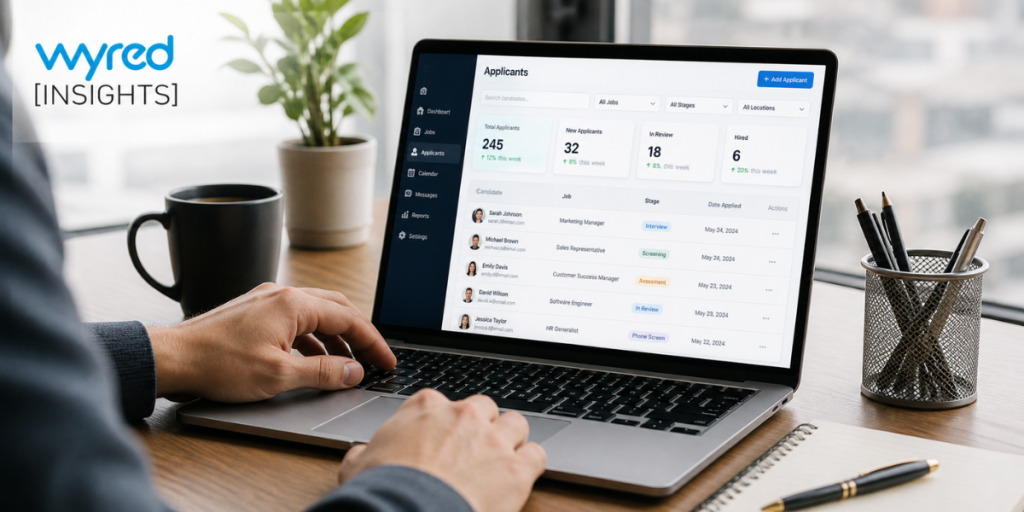
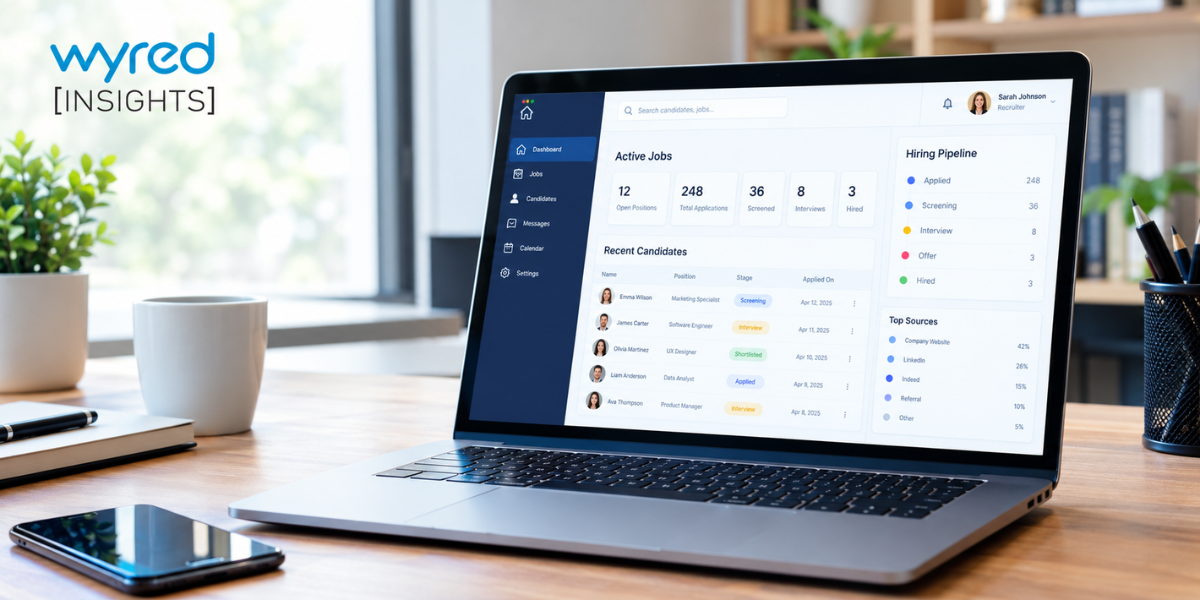
A drag-and-drop pipeline with clear stages (applied, screened, interview booked, offer, hired) lets anyone see where things stand at a glance. Each applicant’s record should hold every text, email, call and note in one timeline. If you hire for several locations, ask whether each manager can see only their own pipeline.
6. Can it re-engage past applicants for the next opening?
The applicant who passed screening last month but took another job is often your fastest next hire. Ask whether you can tag strong past applicants, filter them by role or location, and send them a text campaign when a new position opens. This turns your old applicant list into a warm talent pool instead of a dead archive.
Questions 7 and 8: What Will It Really Cost, and Who Runs It?
The final two questions test value and effort. You need to see what each hire costs by source, so budget goes to channels that produce people who actually start. You also need an honest answer about who will build job campaigns and manage the system week to week, because software nobody maintains rarely delivers results.
7. Can you see cost per hire by source?
Applicant volume can mislead. CareerPlug’s 2025 report found job boards produced about 60 percent of applications across industries, yet did not produce hires at the same rate as sources such as careers pages and referrals. Your system should track each applicant from ad click to hire so you can compare cost per hire by channel, not just cost per applicant. Ask for a sample report during the demo.
8. Who sets it up and keeps it running?
Pricing models vary: per job slot, per user, per location, or per message sent. Get the full picture, including texting fees and setup charges. Then ask who writes the job ads, adjusts screening questions and watches the numbers.
Many small teams do not have a dedicated recruiter. For them, recruitment automation software paired with hands-on support often works better than software alone. Wyred Insights, for example, offers its platform alongside a managed recruiting service for teams that would rather not run campaigns themselves.
How Do You Compare Applicant Tracking Software Side by Side?
The simplest way to compare applicant tracking software is to score every vendor against the same eight questions during the demo. Write down what a good answer looks like before the call, note any red flags you hear, and test the application yourself on a phone instead of relying on screenshots or sales claims.
| Question to ask | What a good answer looks like | Red flag |
|---|---|---|
| 1. Mobile apply in under 5 minutes? | Short phone-friendly form, no login needed | Required resume upload or account creation |
| 2. Instant text reply? | Automatic two-way texting saved to the record | Email only, or texting as a paid add-on |
| 3. Screens for must-haves? | Editable knockout questions with auto-routing | Every applicant needs a phone screen |
| 4. Self-scheduled interviews? | Instant booking plus day-before and day-of reminders | Recruiter emails time options and waits |
| 5. Status and history in one place? | Visual pipeline and a full timeline per applicant | Notes scattered across inboxes and phones |
| 6. Re-engages past applicants? | Tagging, filters and text campaigns to old applicants | Closed jobs archive applicants for good |
| 7. Cost per hire by source? | Tracking from ad click to hire, by channel | Reports show applicant counts only |
| 8. Who sets it up and runs it? | Clear pricing and setup or managed support options | Hidden texting fees and a do-it-yourself setup |