
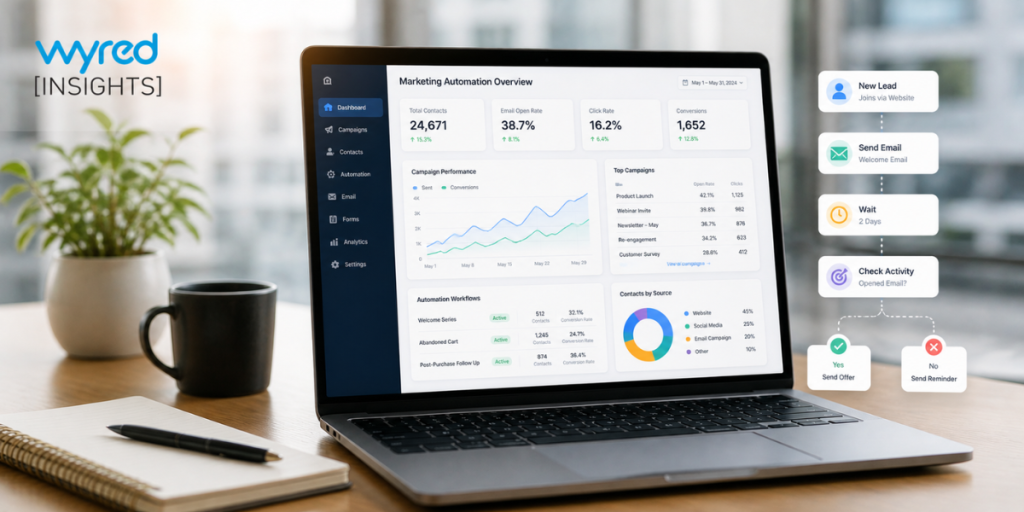
Most small business owners shopping for a marketing automation platform already have a CRM, or at least a spreadsheet acting like one, and they want to know whether they’re about to pay twice for the same thing. It’s a fair question. Both tools store contacts, both send messages, and vendors on each side keep adding features from the other. Yet they were built for different jobs. This guide is for owners and managers at service businesses with small teams. It explains what each tool actually does, how they compare, when one is enough, and what usually goes wrong when the two don’t share data.
What Is the Difference Between a Marketing Automation Platform and a CRM?
A CRM is a record-keeping system that stores every contact, conversation and deal so your team knows where each relationship stands. A marketing automation platform is an action system that sends messages, assigns tasks and moves contacts forward automatically based on rules. The CRM remembers; the automation acts on what it remembers.
Think of a home care agency. When a family calls about care for a parent, the CRM holds their name, the care needs they described, who spoke with them and what was promised. That record is only as useful as the person checking it. If the coordinator gets busy, the follow-up call slips.
A marketing automation platform closes that gap. The moment the inquiry lands, it can text a confirmation, email a care guide, alert the coordinator, and send a reminder two days later if nobody has booked an assessment. Nobody has to remember.
Speed is the reason this matters. A Harvard Business Review study that audited 2,241 U.S. companies found the average response to a web lead took 42 hours, and only 37 percent of firms replied within an hour. In a separate analysis of 1.25 million leads cited in the same research, firms that reached out within an hour were nearly seven times as likely to qualify the lead as those that waited longer. A CRM can show you a lead is waiting. Automation is what makes sure someone replies in time.
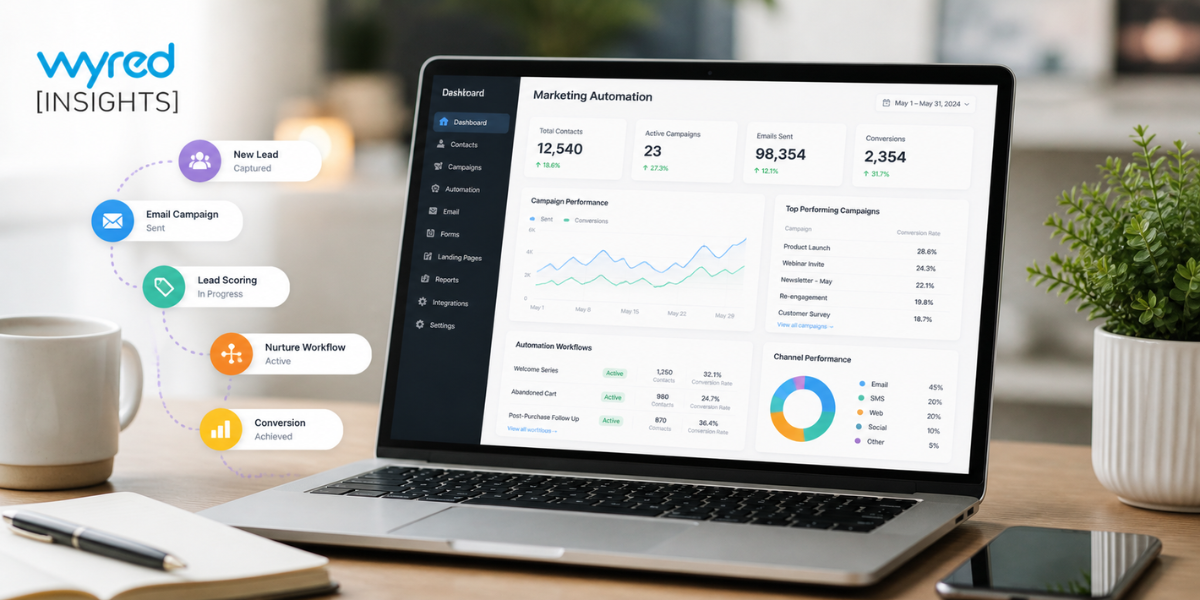
How Do a Marketing CRM and Marketing Automation Compare Side by Side?
A marketing CRM organizes contacts, history and pipeline stages, while a marketing automation platform runs the outreach that moves people through those stages. The CRM answers “who is this and where do they stand?” The automation answers “what happens next, and when?” Small teams usually feel the gap in follow-up speed first.
Here’s how the two compare on the jobs small businesses care about most:
| Job | CRM | Marketing automation platform |
|---|---|---|
| Main purpose | Keeps a record of every contact and deal | Runs outreach and follow-up automatically |
| Contact history | Strong: calls, notes, emails and deal stages | Basic: mostly message and click activity |
| First reply to a new lead | Depends on someone seeing it | Instant text or email, day or night |
| Follow-up over weeks | Task reminders for staff | Timed sequences that run on their own |
| Appointment reminders | Often manual or a paid add-on | Automatic confirmations and reminders |
| Pipeline visibility | Clear view of each deal's stage | Limited unless paired with a CRM |
| Reporting | Deals won, revenue and activity | Opens, clicks, replies and campaign results |
| Best fit on its own | Few leads, high-touch personal selling | Rarely enough without contact records |
Do Small Businesses Need Both, or Is One Enough?
Most small businesses that handle a steady flow of inquiries need both functions: a record of every contact and automatic follow-up. That doesn’t always mean two products. A business with few, high-touch leads can often manage with a CRM alone, while a business with frequent inquiries and a small team usually needs automation working on top of its records.
When a CRM alone is enough
If you get a handful of new leads a month and every one gets a personal call from the owner, a CRM with good reminders may cover you. A boutique consulting firm with ten active prospects doesn’t need a multi-step campaign. It needs a clean record and a nudge on Thursday.
When you need automation too
The need for automation shows up when volume outgrows attention. Signs include leads waiting overnight or over the weekend for a first reply, prospects who say “not right now” and never hear from you again, appointment no-shows, and staff copying the same message into texts all day. A drip campaign that keeps in touch with slower prospects for weeks is a good example of work a CRM records but rarely runs well on its own.
When automation alone falls short
A marketing automation platform without a solid contact record creates its own problems. Messages go out without context, two staff members call the same prospect, and nobody can see why a lead went cold. Automation needs accurate data to act on, which is why the record-keeping side matters even for teams that care mostly about follow-up.
What Goes Wrong When the Two Tools Don’t Share Data?
When a CRM and a marketing automation platform run separately, contacts get duplicated, messages repeat or contradict each other, and reporting splits across two dashboards. The tools still work individually, but the team spends time moving data between them, and the automation often ends up only partly used.
Underused software is a common pattern across marketing teams. Gartner’s 2023 marketing technology survey of 405 marketing leaders found that marketers used just 33 percent of their martech stack’s capabilities on average, down from 42 percent in 2022 and 58 percent in 2020. Large teams with specialists struggle with this, so a small business with two disconnected tools and no dedicated admin is unlikely to do better.
The practical symptoms are easy to spot. A prospect books a consultation, but the automation keeps sending “schedule a call” emails because it never learned about the booking. A client signs, yet the system still treats them as a lead. Someone exports a list every Friday to keep both tools in sync, and the list is out of date by Monday.
Integration fixes some of this, but every connection is one more thing to maintain. If a sync breaks, nobody may notice until a customer complains.
Should You Buy Separate Tools or One Combined System?
For most small service businesses, one system that combines contact records, automated follow-up and reporting is easier to run than two connected tools. Separate tools can make sense for larger teams with an admin to manage integrations, but small teams usually get more value from fewer moving parts and one shared view of each contact.
Buying software at all carries real risk. Capterra’s 2025 Tech Trends research, based on an August 2024 survey of 3,500 software buyers in nine countries, found that roughly 60 percent of businesses had made a software purchase they regretted in the previous 18 months. Small and midsize businesses were more likely to blame poor implementation. Two tools mean two implementations, two learning curves and twice the chance of one going sideways.
Before you choose, check a few things in any demo. Can a new inquiry trigger an instant text and email without manual setup each time? Does a booked appointment automatically stop the “please book” sequence? Can you see each contact’s full history, including automated messages, on one screen? Can it also handle the stages you’d normally track in sales pipeline management software, so a deal’s status and its follow-up live together?
Response time deserves its own test. Submit a form on the vendor’s demo site and time the reply. If speed to contact is slow in their own showcase, it won’t be faster in yours.
Some platforms are built around this combined approach. Wyred Insights, for example, pairs lead records, visual pipelines, automated texting and email, self-scheduling with reminders, and channel-level reporting in one dashboard, so service businesses don’t have to stitch a CRM and an automation tool together themselves.