
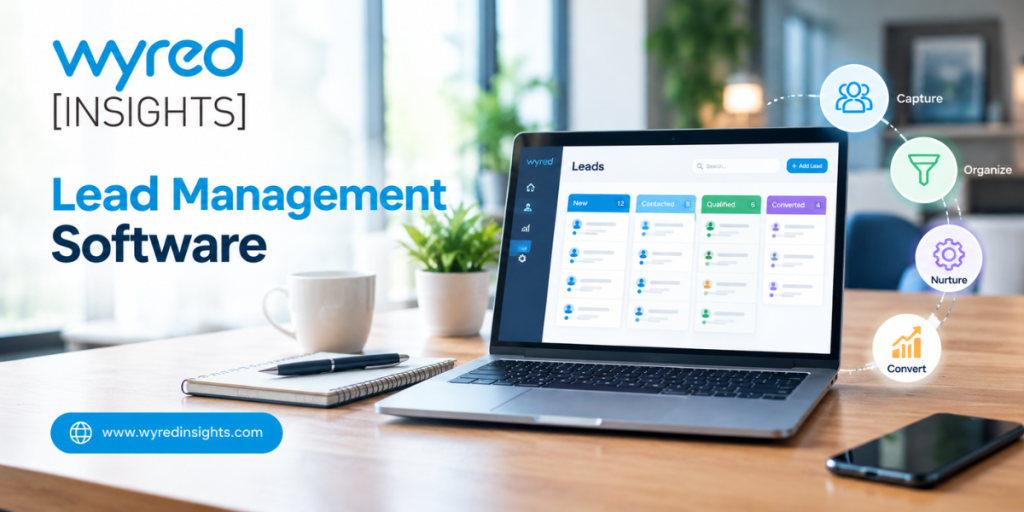
Lead management software exists for one unglamorous reason: most leads don’t die because the prospect lost interest. They die because nobody got back to them in time. A form comes in at 7:40 p.m., someone checks the inbox the next morning, and by then the family, client or applicant has already talked to another provider. For home care agencies, delivery service providers and other service businesses that run on inbound inquiries, that gap is where a big share of the marketing budget leaks out. This guide covers why leads go cold, what a lead management system actually does about it, where software falls short, and how to measure whether your leads are staying warm.
Why Do Leads Go Cold So Quickly?
Leads go cold because buying intent fades fast while most businesses respond slowly. A person who fills out a form is often comparing several providers at the same time, so the first one to reply has a real advantage. When the reply takes hours or days, the prospect has usually moved on, booked elsewhere or simply stopped paying attention.
The best-known evidence comes from a 2011 Harvard Business Review study, “The Short Life of Online Sales Leads.” Researchers analyzed 1.25 million leads received by 42 U.S. companies and found that firms trying to reach a prospect within an hour were nearly seven times as likely to qualify the lead as firms that waited one more hour, and more than 60 times as likely as firms that waited a day or longer.
The same team audited how quickly companies actually respond to a web inquiry. Only 37% replied within an hour, and 23% never replied at all.
Earlier research by Dr. James Oldroyd with InsideSales.com (2007) narrowed the window further. It found the odds of qualifying a lead were 21 times higher when the first call came within five minutes instead of 30.
The causes are usually structural, not personal. The HBR authors pointed to companies pulling leads out of their CRM once a day instead of continuously, salespeople prioritizing leads they generated themselves, and distribution rules based on territory or “fairness.” Add after-hours inquiries, one call attempt before giving up, and no shared record of who already reached out, and leads cool off before anyone touches them.
What Is a Lead Management System?
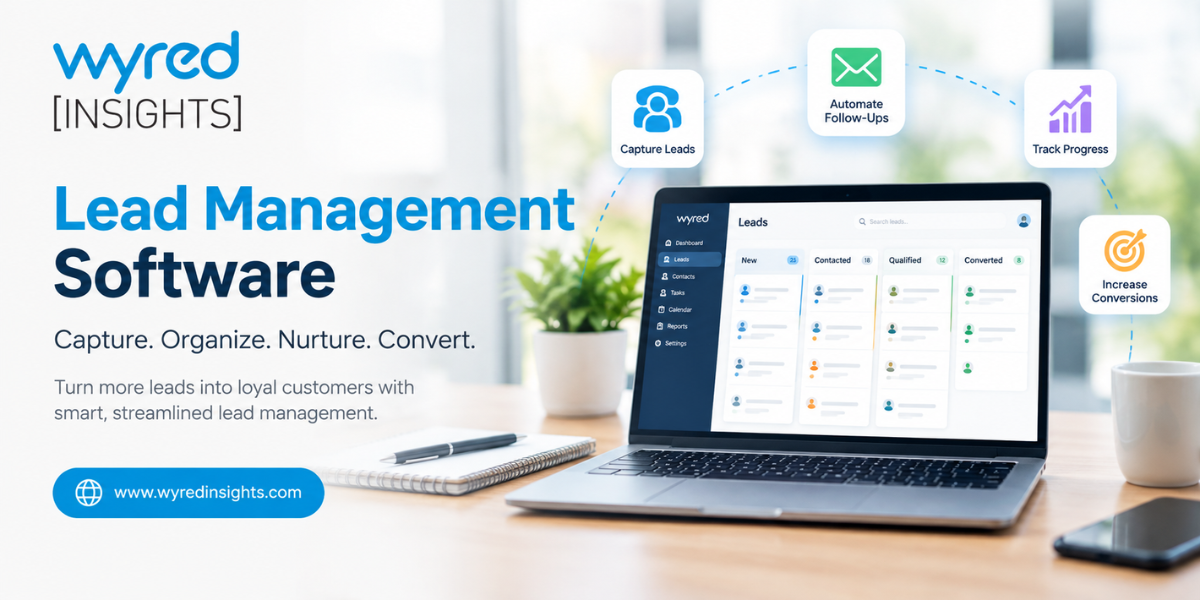
A lead management system is software that captures inquiries from every source, stores them in one place, assigns them to the right person and tracks each one until it converts or drops out. Its focus is narrower than a full CRM. It handles the first stretch of the relationship, where speed and follow-up decide most outcomes.
In practice, that means a website form, a paid ad, a phone call and a job board application all land in the same pipeline with a timestamp and a source. Nobody has to copy details from an email into a spreadsheet, and nobody has to guess whether a coworker already called.
If you’re weighing the difference between this and a broader tool, our breakdown of a CRM vs. a customer engagement platform covers where each one fits. For businesses that hire and sell at the same time, the same logic applies to applicants. A caregiver who applies on Indeed is a lead too, and they go cold just as fast as a family looking for care.
How Does Lead Management Software Keep Leads Warm?
Lead management software keeps leads warm by removing the delays people create. It responds the moment an inquiry arrives, follows up automatically when nobody answers, lets prospects qualify and book themselves, and keeps every lead visible on a pipeline so none sit untouched. The result is faster first contact and steadier follow-through, even during busy weeks.
Instant first response, at any hour
The most important job is closing the gap between “form submitted” and “first contact.” A good system sends a text and an email within seconds, confirms the request, and tells the prospect what happens next. That buys time for a person to call while the lead still remembers reaching out.
Follow-up that doesn’t depend on memory
Most lost leads were contacted once and then forgotten. Automated sequences space out several touches across SMS, email and voicemail drops, and they stop as soon as the lead replies. Your team spends its time on conversations, not on remembering who to chase.
Self-qualification and self-scheduling
Custom qualification forms filter out poor fits before anyone picks up the phone. Self-booking lets a qualified prospect pick an appointment time immediately, and automatic reminders the day before and the day of cut down on no-shows.
A pipeline that shows stalled leads
Visual pipelines make it obvious when a lead has been sitting in “contacted” for four days with no next step. If you haven’t defined your stages yet, start with the sales pipeline stages a service business should track.
Here’s where leads typically cool off, and what the software does at each point:
| Where leads go cold | What usually happens | What the software does |
|---|---|---|
| First few minutes | Inquiry sits in an inbox or voicemail | Sends an instant text and email reply |
| Evenings and weekends | Nobody sees it until the next workday | Responds automatically and offers booking times |
| Second and third attempts | One call, no answer, lead forgotten | Runs a timed multi-channel follow-up sequence |
| Qualification | Staff spend time on poor-fit leads | Uses forms to qualify before a call |
| Booked appointment | Prospect forgets and no-shows | Sends reminders the day before and day of |
| "Not right now" leads | Marked lost and never contacted again | Moves them into remarketing for later |
Which Features Matter Most in Lead Management Software?
The features that matter most are the ones that shorten response time and prevent dropped follow-up: multi-source lead capture, instant SMS and email replies, automated follow-up sequences with stop rules, self-scheduling with reminders, and a single timeline for every lead. Reporting by source comes next, because it tells you which channels deserve more budget.
When you evaluate options, test them the way a prospect would. Submit a form at 9 p.m. on a Friday and see what happens. Check whether a reply from the lead automatically pauses the sequence, because a system that keeps texting someone who already answered does more harm than good. Ask how leads from calls and job boards get in, not just website forms.
Also look at the unified history. When a lead calls back, whoever answers should see every text, email, voicemail and note in one place within seconds. That single feature prevents more awkward “who did you talk to?” moments than any other.
What Can’t Lead Management Software Fix?
Software can’t fix a weak offer, poor lead sources or a team that ignores the alerts it sends. It speeds up response and enforces follow-up, but a person still has to make the call, answer questions well and close. Treat the tool as the system that guarantees attention, not as a replacement for good conversations.
A few limits are worth knowing upfront. If your ads attract the wrong audience, faster replies just help you reach unqualified people sooner. Over-automation can also backfire: too many messages in a short window feel like spam and push people to opt out.
Texting carries legal requirements as well. In the U.S., the Telephone Consumer Protection Act generally requires consent before automated marketing texts, so add a clear consent checkbox to your forms and honor opt-out requests right away. Check the specifics with your legal counsel.
How Do You Know Your Leads Are Staying Warm?
You know leads are staying warm when time to first contact is measured in minutes, most leads get several follow-up attempts, and few leads sit in any pipeline stage without a next step. Track these numbers weekly by lead source so you can see where the process breaks, not just whether it breaks.
The core metrics are simple: median time to first contact, contact rate, average attempts per lead, lead-to-appointment rate and appointment show rate. Our earlier piece on why speed to contact makes a difference explains why the first number deserves the most attention.
Wyred Insights puts this reporting next to the pipeline itself, tracking figures such as landing page conversion rate and cost per hire by channel, so owners can see which sources produce leads that actually convert, for recruiting pipelines and client pipelines alike.
Stop losing leads to slow follow-up
See how instant replies, automated follow-up and self-scheduling keep every inquiry warm, day or night.