
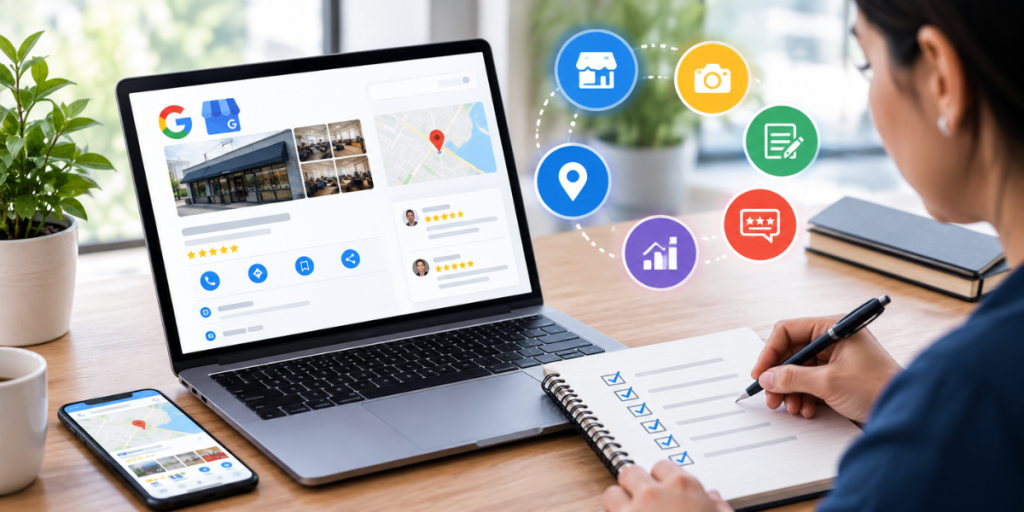
Google Business Profile optimization is the fastest way for a service business to show up when someone nearby needs help. Plumbers, home care agencies and law firms all compete for the same three map spots, and the profile usually decides who gets the call. This checklist covers what to fix first, which settings move rankings, how reviews fit in, and the mistakes that push a profile down the map.
What Is Google Business Profile Optimization?
Google Business Profile optimization is the process of completing, correcting and maintaining your free Google listing so it matches what local customers search for. It covers categories, services, hours, photos, reviews and the website page your profile links to. Done well, it improves where you appear in Google Maps and the local pack.
Google says local results are based mainly on relevance, distance and prominence. You can't move your office closer to every customer. You can control relevance, which is how well your profile matches the search, and prominence, which is how well known you are, including your reviews.
In Whitespark's 2026 Local Search Ranking Factors report, a panel of 47 local SEO experts rated profile signals as the largest group of local pack and Maps factors. They put that group at roughly 32% of the total.
The Google Business Profile Optimization Checklist
The core checklist has ten items:
- Verify ownership.
- Pick the right primary category.
- Use your real business name.
- Add services.
- Set accurate hours.
- Choose an address or service area.
- Upload real photos.
- Collect steady reviews.
- Reply to every review.
- Link to a matching landing page.
| Checklist item | What to do |
Why it matters |
| Verification | Claim and verify the profile | Verified profiles show up more often |
| Primary category | Pick the most specific category for your main service | Ranked #1 of 187 factors by Whitespark |
| Business name | Use your real-world name only | Added keywords break Google's guidelines |
| Services | Add predefined services, then custom ones | Predefined services ranked #22 |
| Hours | Set real hours, including holidays | Being open at search time ranked #5 |
| Address or service area | Show an address only if customers visit | Wrong settings risk suspension |
| Photos | Upload real job, team and vehicle photos | Stock or AI images are flagged as risky |
| Reviews | Ask every happy customer | Count, rating and recency all count |
| Review replies | Reply personally to each one | Buyers read replies before calling |
| Landing page | Match name, address and phone exactly | NAP match ranked #15 |
The first six are setup. The last four are ongoing, and that is where most profiles slip.
Which Profile Settings Matter Most for Google Maps SEO?
For Google Maps SEO, the settings with the biggest impact are your primary category, additional categories, services and hours. Whitespark's 2026 panel ranked primary category first among 187 local pack factors. Keywords in the profile description ranked near the bottom. Spend your time on categories and services, not the description.
Choose the narrowest category that fits. Add secondary categories only for services you actually sell.
Hours matter more than most owners realize. Whitespark notes that profiles tend to slip near closing time and get replaced by competitors who are still open. Still, never list hours you don't keep.
If you travel to customers, hide your address and set a service area. Whitespark's panel flagged service areas beyond about two hours of driving as a negative signal.
How Do Reviews Affect Your Google Business Profile?
Reviews affect both your ranking and whether a searcher picks you. Google states that more reviews and positive ratings can help local ranking. For buyers, recency matters as much as volume. In BrightLocal's 2026 survey of 1,002 US adults, 74% said they only care about reviews from the last three months.
Build review requests into your job workflow, and send them by text or email right after the work is done. One Wyred Insights client doubled its Google reviews in 60 days with automated requests.
Replies count too. BrightLocal found 89% of consumers expect owners to respond, and half are put off by templated replies.
How Does Your Website Support Your Profile?
Your website confirms what your profile claims. The linked page should show the same name, address and phone number, mention the services and cities you cover, and make calling easy. Google uses that consistency to trust your listing, and AI search tools rely on it too.
A dedicated location or service page usually beats a generic homepage. In one Google Maps SEO project for an estate planning firm, first-time calls rose from 43 to more than 100 a month.
BrightLocal's 2026 survey also found that 45% of consumers now use AI tools like ChatGPT for local recommendations, up from 6% a year earlier.
What Mistakes Hold Service Business Profiles Back?
The most common mistakes are:
- keyword-stuffed business names
- inaccurate hours
- oversized service areas
- stock or AI-generated photos
- ignored reviews
Each one weakens ranking signals or risks suspension.
Also watch for duplicate listings, old phone numbers on directories, and profile calls that go to voicemail and never get returned. Speed to contact matters as much as ranking.
Treat Google Business Profile optimization as a monthly routine. The home care franchisee in our Google Business Profile optimization case study saw rankings rise 27% from steady work. Another agency went from 13 to over 60 first-time calls a month.